
Check the current route
See what the public internet can observe about this connection.
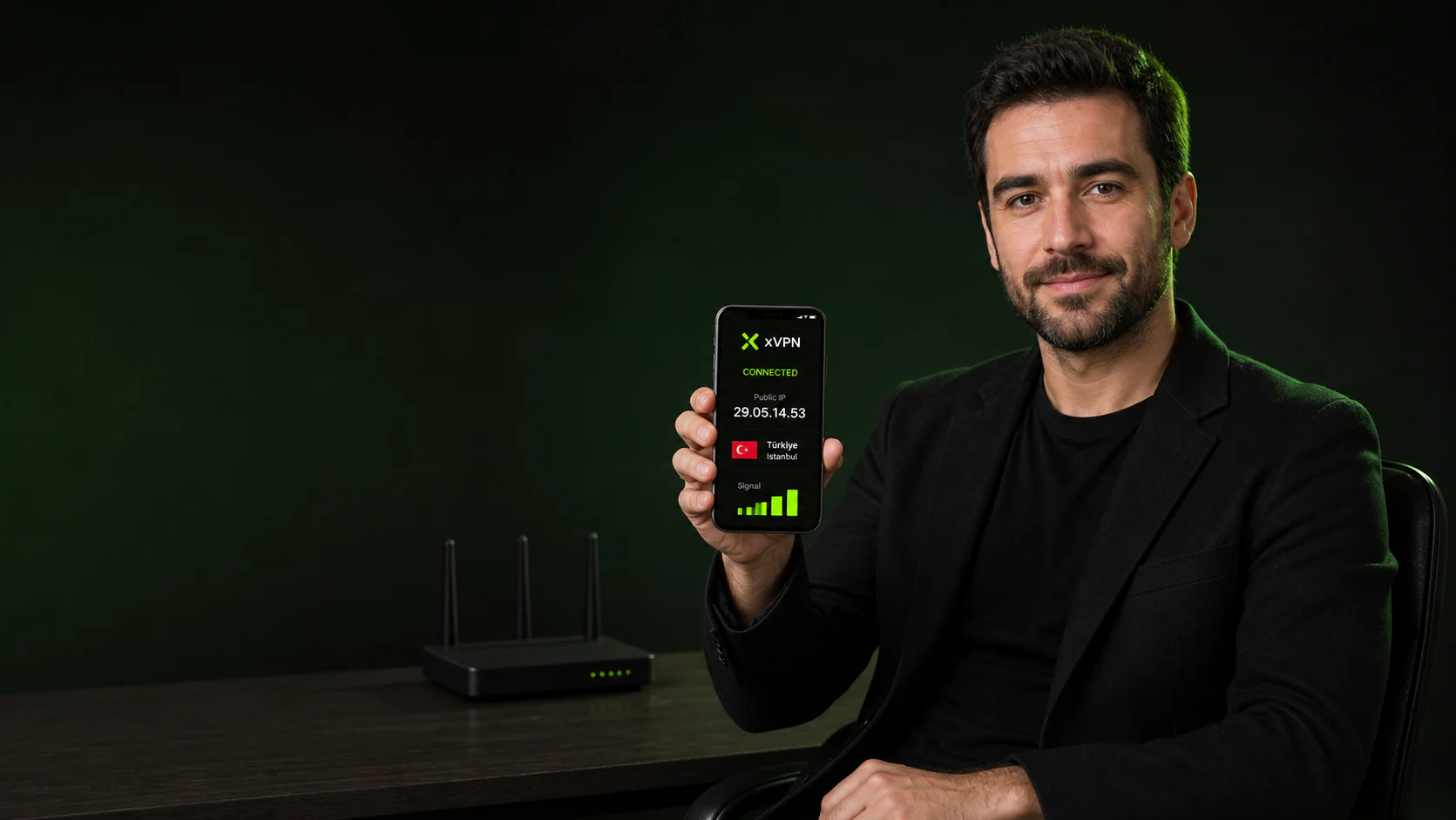
Check whether browser WebRTC behavior exposes an unexpected local or public IP address. Review the result before changing the connection.
A WebRTC leak test checks whether browser real-time communication features reveal an address that differs from the expected public route.
The result is a network snapshot, not a complete measure of anonymity.
xVPN can encrypt your connection and replace your visible public IP when you need a different privacy layer.
A WebRTC leak test checks whether browser real-time communication features reveal an address that differs from the expected public route.
Example result. Actual results depend on your current connection and browser.Read the result in context before changing browser, DNS, or VPN settings.
See what the public internet can observe about this connection.
Use the explanation to identify the setting worth checking next.
Start an encrypted route and repeat the check to compare the result.
A useful check should be quick, repeatable, and easy to interpret.
Load the result on the network and browser you want to evaluate.
Compare the displayed value with the expected connection setup.
Connect xVPN and repeat the same check to see what changed.
Continue with a related feature, platform guide, privacy tool, or server resource.
Plain-language answers about what the WebRTC Leak Test can and cannot tell you.
Check whether browser WebRTC behavior exposes an unexpected local or public IP address.
It provides a quick snapshot of the current browser and network route, which can help you spot an unexpected result.
The result reflects the current request. Proxies, VPNs, browser settings, DNS caches, and network changes can affect what appears.
The page runs in your current browser and reports only the network details needed for the selected check.
Repeat the check after changing VPN, DNS, browser, router, or Wi-Fi settings.
It is useful for anyone troubleshooting a privacy setting or confirming how a current connection appears online.
Run the check, connect xVPN on your phone, and repeat it to see what changed.
Download xVPN