
Choose your xVPN plan
Pick the subscription that matches how and where you connect.
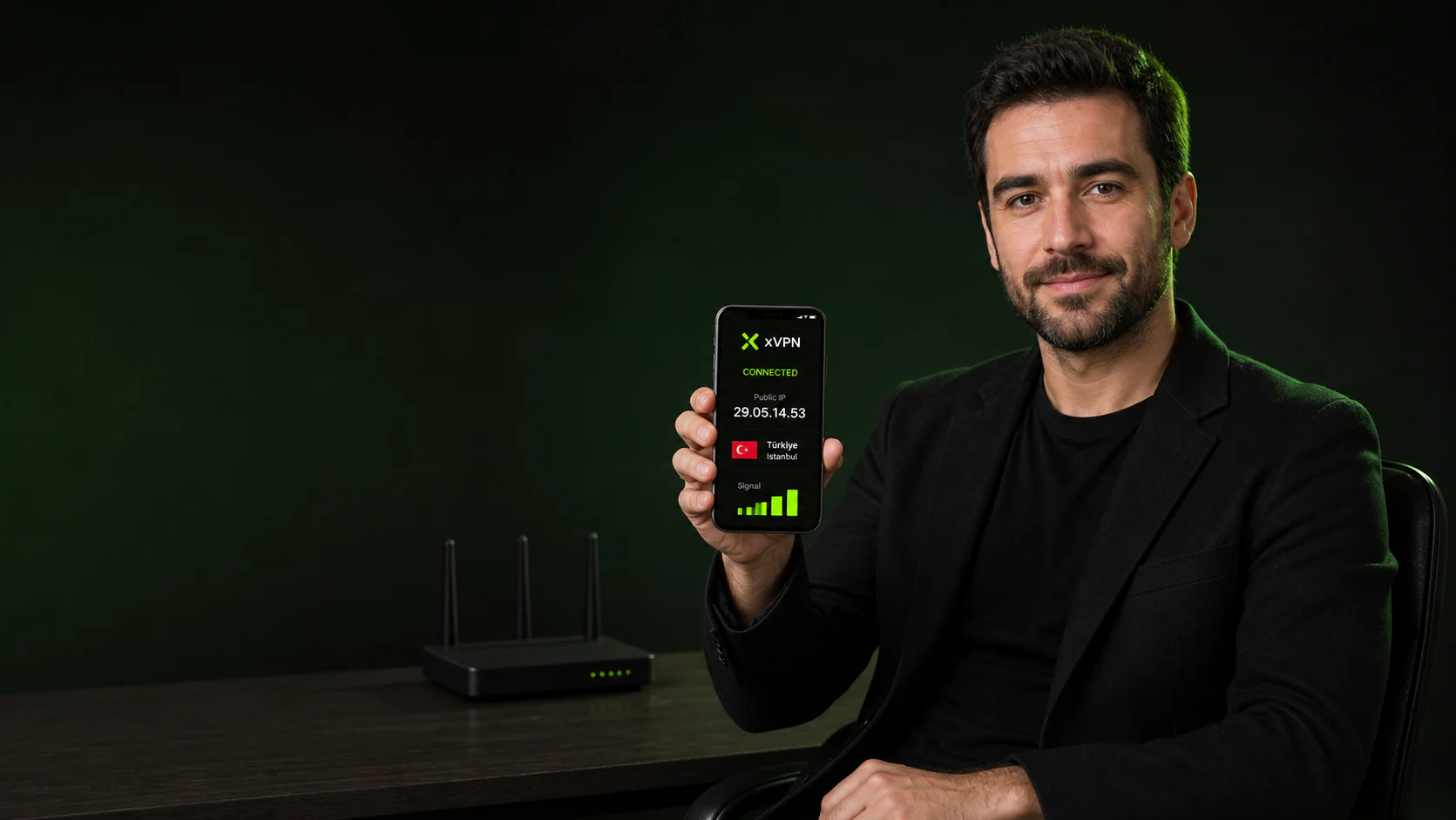
The Domain Name System turns readable website names into the network addresses phones use to connect.
Before a phone can reach a website, it usually asks a resolver for the numerical address associated with the domain name.
The resolver handling that request can learn which domains are being requested even when the page itself uses HTTPS.
DNS is a small request with a large privacy role.
Compare which resolvers appear before and after connecting xVPN.
Pick the subscription that matches how and where you connect.
Download xVPN on your iPhone or Android phone and sign in with your email.
Use Smart Location or select a country from the xVPN server list.
Continue with a related feature, platform guide, privacy tool, or server resource.
Six direct answers about domains, resolvers, leaks, and private DNS.
DNS means Domain Name System, the distributed service that maps domain names to network addresses.
A resolver can observe the domain names requested by the device even when the content of a secure page remains encrypted.
The device asks a resolver for the address of a domain, receives an answer, and then connects to that address.
A leak can come from operating-system, browser, router, or VPN settings that send requests outside the intended protected route.
Run it after connecting a VPN and after changing DNS, Wi-Fi, cellular, or browser settings.
Anyone who wants DNS requests aligned with an encrypted mobile VPN route can benefit from private DNS handling.
Choose a country on iPhone or Android and connect through the xVPN server route.
Download xVPN