
Read the concept
Start with the VPN or DNS guide that matches your question.
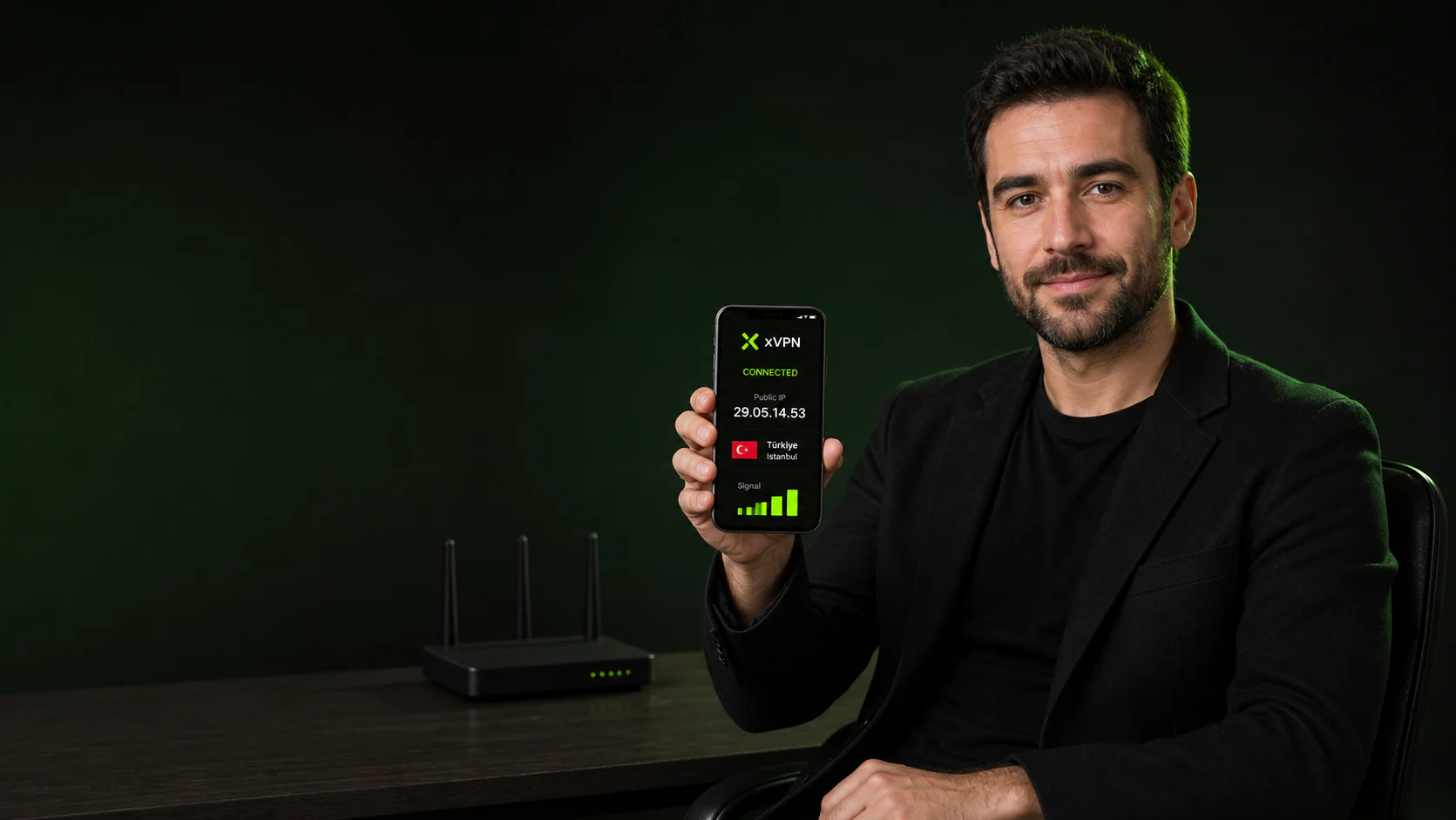
Understand the connection before changing it. The xVPN learning center explains VPNs, DNS, public IP addresses, and mobile network privacy in plain language.
Most privacy questions become easier once you know which part of the connection is visible.
A VPN protects traffic between your phone and a VPN server, DNS translates domain names, and a public IP identifies the network route presented to the internet.
Build a useful mental model before changing app, DNS, or network settings.
Read the guide, observe the current route, and compare the result after connecting xVPN.
Start with the VPN or DNS guide that matches your question.
Run an IP or leak test before changing the connection.
Connect on iPhone or Android and repeat the same check.
Continue with a related feature, platform guide, privacy tool, or server resource.
What to read first and how to interpret browser-based checks.
Start with the VPN guide if you want to understand encrypted routing, or the DNS guide if you are troubleshooting domain lookups and resolver exposure.
A public IP identifies the internet connection used for a request and can reveal an approximate network location.
They show a snapshot of what the current request can observe, which is useful for comparing before and after a network change.
The concepts apply to mobile connections, home Wi-Fi, public hotspots, travel networks, and other internet routes.
Repeat it after changing VPN, DNS, Wi-Fi, cellular data, or browser settings.
It is for anyone who wants a practical explanation before changing a privacy setting.
Install xVPN on iPhone or Android, choose a location, and connect with one clear tap.
Download xVPN