
Choose your xVPN plan
Pick the subscription that matches how and where you connect.
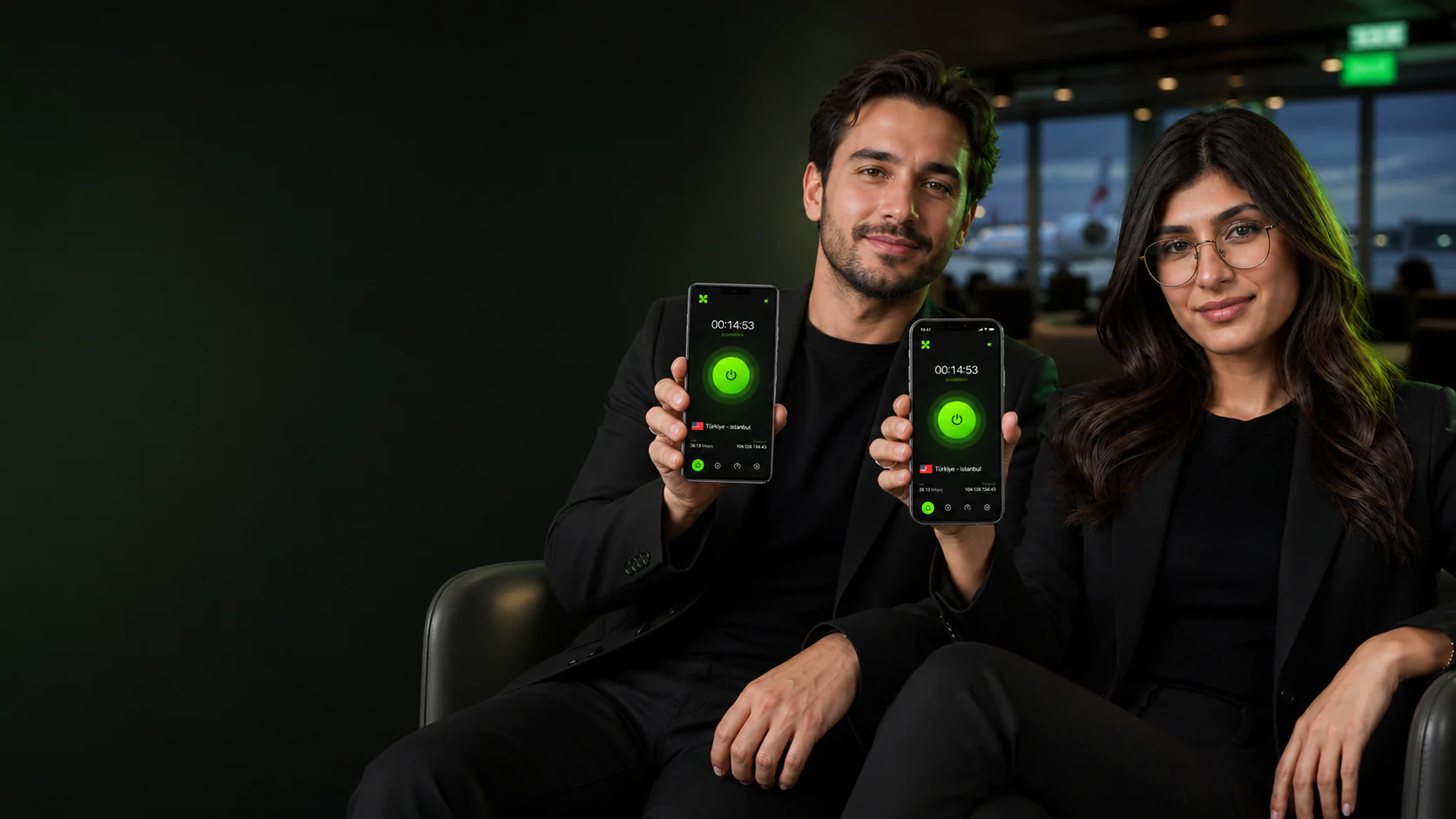
xVPN for Android brings one-tap privacy, responsive server selection, and a familiar connection flow to your Android phone.
The Android app is tuned for mobile network changes, quick reconnection, and straightforward location switching.
The interface stays focused on the essentials: connection status, Smart Location, server choice, and private routing.
One xVPN account works across supported iPhone and Android phones.
Built around the way people actually use Android, the app keeps privacy controls close without interrupting everyday browsing.
Getting protected on Android takes only a few clear steps.
Pick the subscription that matches how and where you connect.
Download xVPN on your iPhone or Android phone and sign in with your email.
Use Smart Location or select a country from the xVPN server list.
Continue with a related feature, platform guide, privacy tool, or server resource.
Direct answers about installing and using the app on Android.
It encrypts supported traffic and replaces your public IP with the address of the server you choose.
Yes. The current mobile app supports current supported Android versions and is available through the official download page.
Install the app, sign in with your email code, and tap the main connection button. Smart Location can select a responsive nearby route automatically.
Yes. Sign in with the same account on supported iPhone and Android phones.
When connected, the app uses the public IP address of your selected server location instead of your regular network address.
Keep the encrypted connection active on shared Wi-Fi, while traveling, or whenever you want a more private mobile route.
Install the official iPhone or Android app and keep the same clear connection flow on mobile.
Download xVPN