
iPhone
One-tap private connections and fast location choice for iPhone.
Install xVPN on iPhone or Android and keep the same fast, private connection flow wherever your phone goes. One account works across both supported mobile platforms.
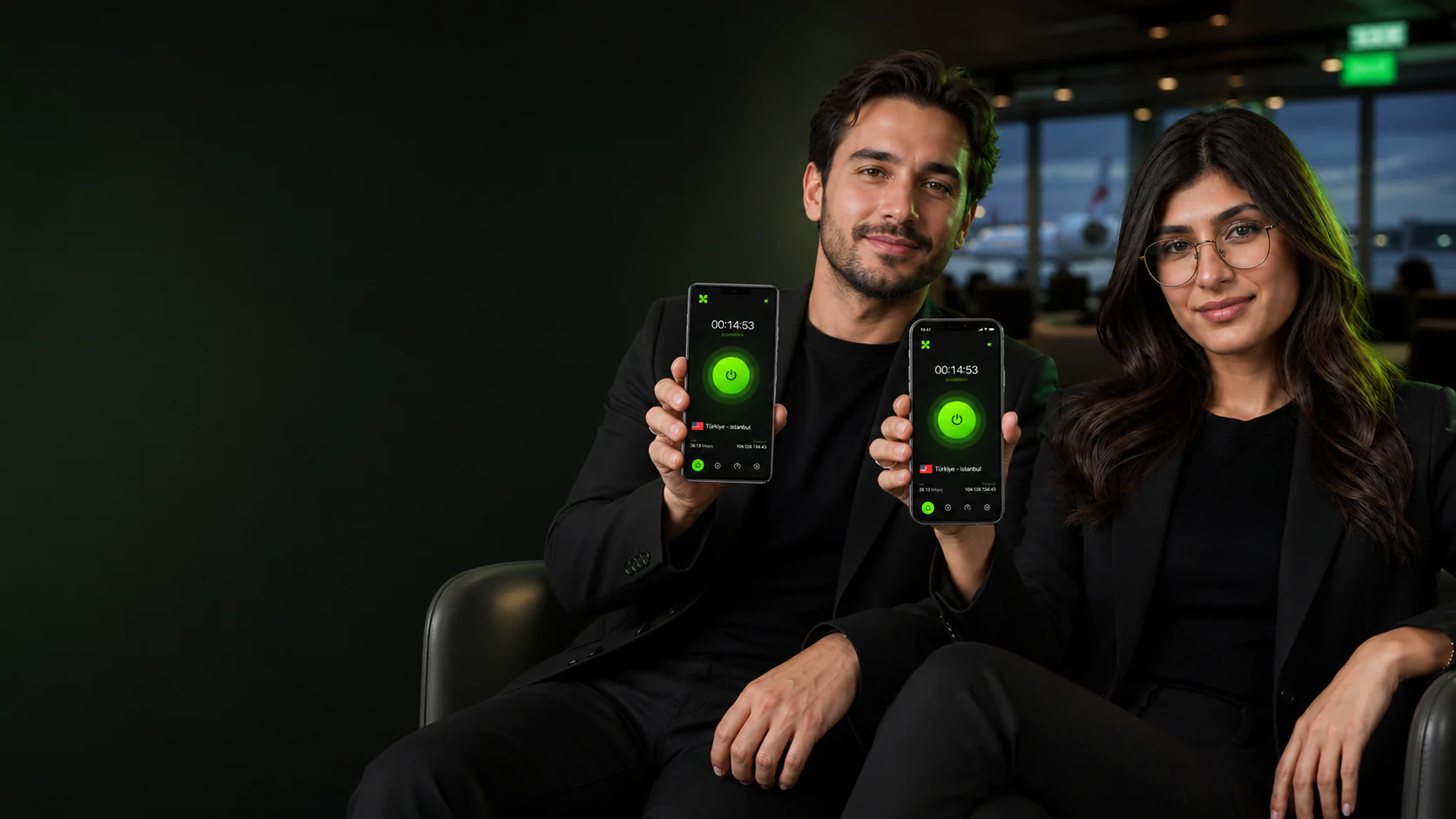
Open xVPN on iPhone or Android and connect in one tap. Smart Location compares nearby routes while the same clear controls remain familiar on both mobile platforms.
Use xVPN on supported iPhone and Android phones with one account.
The same clear status, location picker, and one-tap connection work on both mobile platforms.
Let Smart Location compare nearby servers or choose a country manually whenever your network changes.
Clear answers about iPhone and Android support, installation, accounts, updates, and mobile network changes.
xVPN supports current compatible iPhone and Android phones. Availability can vary by store, operating-system version, and region.
No. Sign in with the same xVPN account on supported iPhone and Android phones so your subscription stays together.
Choose iPhone or Android, open the matching official store, complete installation, and sign in. Then connect with Smart Location or select a country manually.
Yes. Sign in with the same account on supported iPhone and Android phones and manage each mobile connection independently.
Install xVPN updates when they become available to receive current compatibility improvements, connection refinements, and security maintenance for your platform.